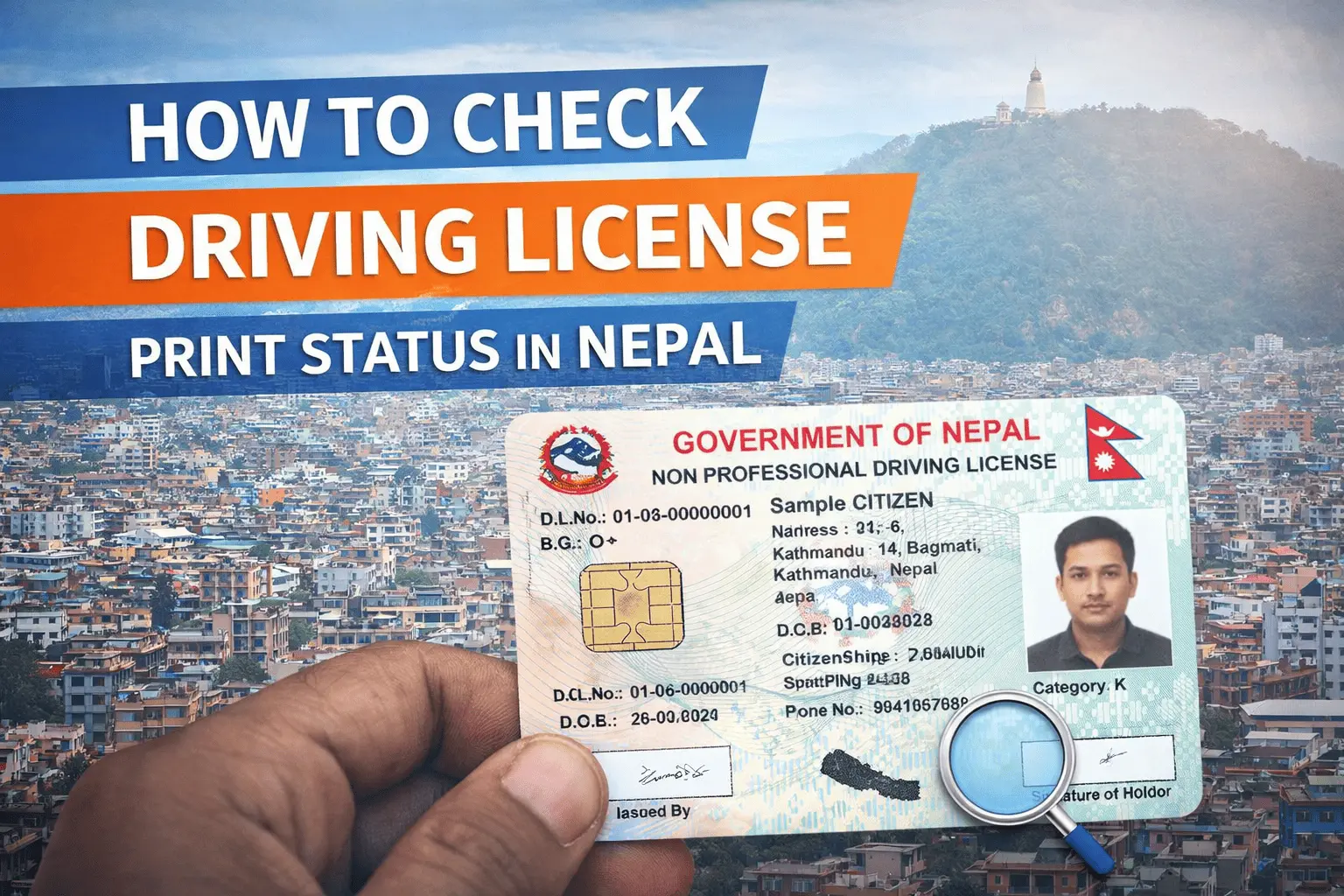
If you have applied for a smart-card driving license in Nepal, one of the most common questions is: "Has my license been printed yet?" The Department of Transportation Management (DOTM) now offers multiple ways to check your license print status, making it easier than ever before. In this comprehensive guide, we will walk you through every method available, including online checks, SMS verification, and offline procedures. Whether you are in Kathmandu, Pokhara, or any district of Nepal, this guide will help you stay updated on your license status and avoid unnecessary trips to government offices.
Why Checking License Print Status Is Important
Before diving into the steps, it’s important to understand why checking your license print status matters. After completing your driving test and submitting all required documents, your license application enters the printing queue. The smart-card license is printed at the central facility and then dispatched to your district office. Due to high demand and administrative processes, the waiting period can sometimes be several months. By checking your print status, you can:
- Avoid unnecessary visits to the Yatayat Karyalaya (Transport Management Office).
- Get an accurate estimate of when your license will be ready for collection.
- Use a digital copy of your license for immediate legal needs.
Official Methods to Check License Print Status
The DOTM has introduced several reliable methods to check your license print status. Below are the most effective ways, as of 2026.
Method 1: Online License Print Check via DOTM Website
The most convenient way to check your license print status is through the official DOTM website. Follow these steps:
- Visit the DOTM License Print Check Portal
- Go to the official website:
https://dangtmo.dotm.gov.np/DrivingLicense/SearchLicense
- Go to the official website:
- Enter Your Details
- You will need to provide your license number and date of birth. In some cases, the district office where you applied may also be required.
- Submit and Check Status
- After submitting your details, the system will display your license print status. The possible statuses are:
- Approved: Your license has been printed and is ready for collection.
- Printed: The card has been generated and is being dispatched.
- Pending: Your application is under review or printing has not started.
- Rejected: There is an error in your application or biometrics.
- After submitting your details, the system will display your license print status. The possible statuses are:
- Download or Print Digital Copy
- If your status is "Approved," you can take a screenshot or use the browser’s print function (Ctrl+P) to save a PDF copy. This digital copy is legally valid until you receive the physical card.
- If your status is "Approved," you can take a screenshot or use the browser’s print function (Ctrl+P) to save a PDF copy. This digital copy is legally valid until you receive the physical card.
Method 2: SMS License Print Check
For those without easy internet access, DOTM also offers an SMS-based verification service.
- Compose an SMS
- Type LC<space>License Number (for example: LC 123456).
- Send to Official Number
- Send the message to 33001 or 31003 (both numbers are currently active).
- Send the message to 33001 or 31003 (both numbers are currently active).
- Receive Status Update
- You will receive an SMS reply with your license print status. This service may cost a small fee (typically Rs 5 plus taxes).
- You will receive an SMS reply with your license print status. This service may cost a small fee (typically Rs 5 plus taxes).
Method 3: Offline Check at Yatayat Karyalaya
If you prefer a face-to-face approach, you can visit your nearest Yatayat Karyalaya.
- Visit the Office
- Go to the Transport Management Office where you applied for your license.
- Ask at the Reception
- Provide your application ID or license number and ask if your license has been printed.
- Collect Your License
- If the status is “Approved,” you can collect your license by presenting your citizenship certificate and any other required documents.
What to Do If Your License Is Not Printed
If your status shows “Pending” or “Rejected,” here are some steps you can take:
- Verify Your Details: Double-check your application details for any errors. If you notice a mistake, visit the office to correct your information.
- Follow Up: If your application has been pending for more than six months, you can contact the DOTM helpline or file a complaint under the “Right to Service” provision.
- Legal Basis: The process is governed by the Motor Vehicles and Transport Management Act, 1993 (2049). Section 34 outlines the issuance and suspension of licenses.
Legal Validity of Digital License Copy
A digital copy of your license, downloaded or printed from the official DOTM portal, is legally valid for immediate use. Traffic police and other authorities recognize these digital copies as long as they clearly show your name, license number, and the official watermark. However, it is always recommended to carry the physical card once it is received.
Frequently Asked Questions (FAQs)
Q: How long does it take for a license to be printed?
A: The average waiting time is 6 to 24 months, depending on the district and demand.
Q: Can I use my digital license for travel or police checks?
A: Yes, a digital copy from the official portal is accepted by traffic police and other authorities.
Q: What if my license is rejected?
A: Visit the Yatayat Karyalaya with your documents to correct any errors in your application.
Q: Is there a mobile app for license print check?
A: As of 2026, the DOTM is working on integrating the license print check with the Nagarik App and other government services. For now, use the official website or SMS service.
Tips for a Smooth License Print Process
- Double-check your application details before submitting.
- Keep your mobile number active to receive SMS updates.
- Visit the official DOTM portal regularly for status updates.
- Save a digital copy of your license for immediate use.
- Contact the helpline if you encounter any issues or delays.
Conclusion
Checking your license print status in Nepal is now easier than ever, thanks to the DOTM’s online and SMS-based services. By following the steps outlined in this guide, you can stay informed about your license status and avoid unnecessary trips to government offices. Whether you use the official website, SMS service, or visit the Yatayat Karyalaya, you now have all the information you need to get your smart-card driving license smoothly.